

We’ve been in an era, for a while now, where gamers are accustomed to playing anywhere they want, how they want. Certainly there were some ways to do this prior to the Nintendo Switch launching in 2017 but since its success, there has been a bevy of new products and product categories that continue to push the boundaries of how and where gamers are able to play their favorite games.
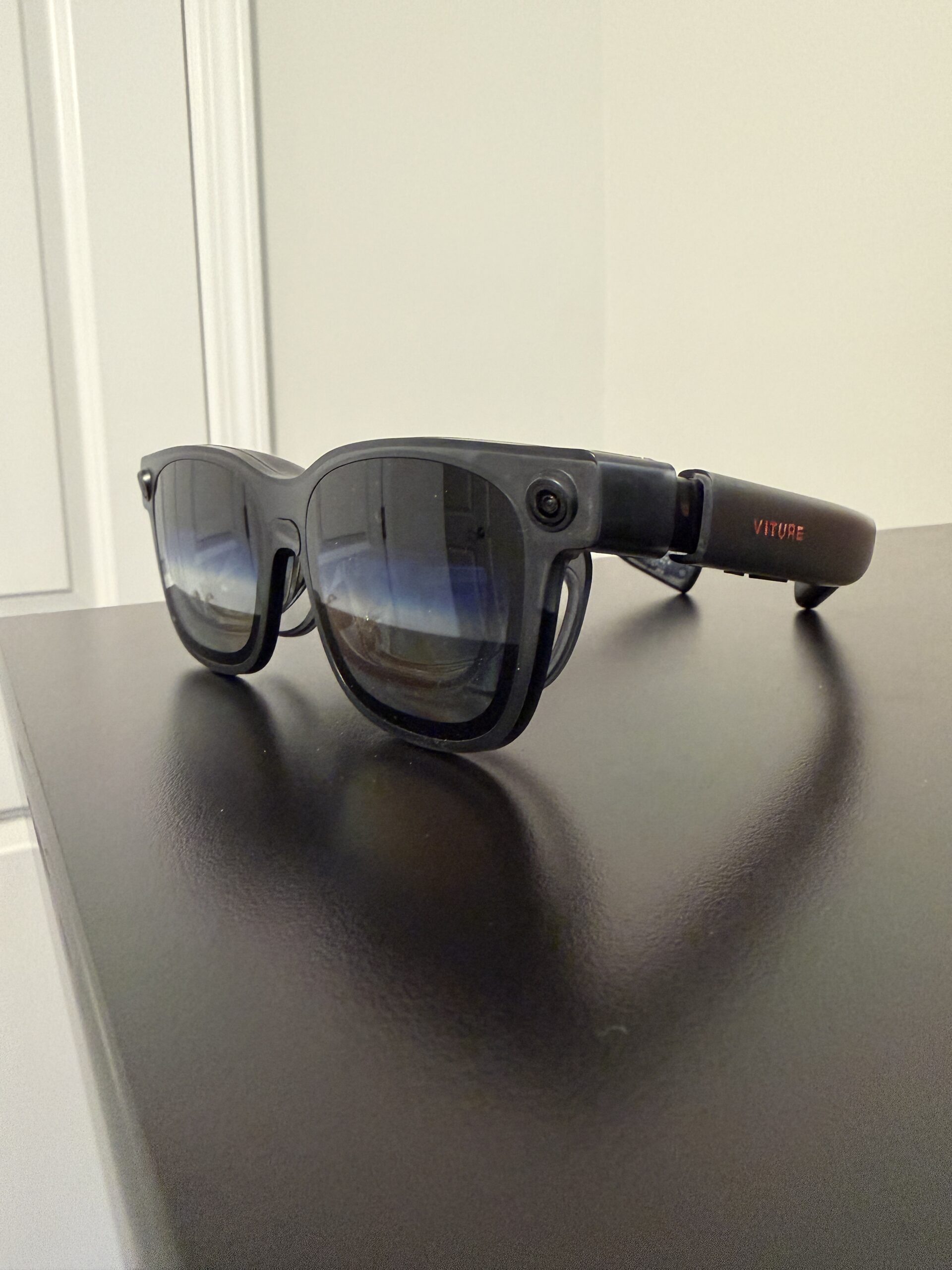
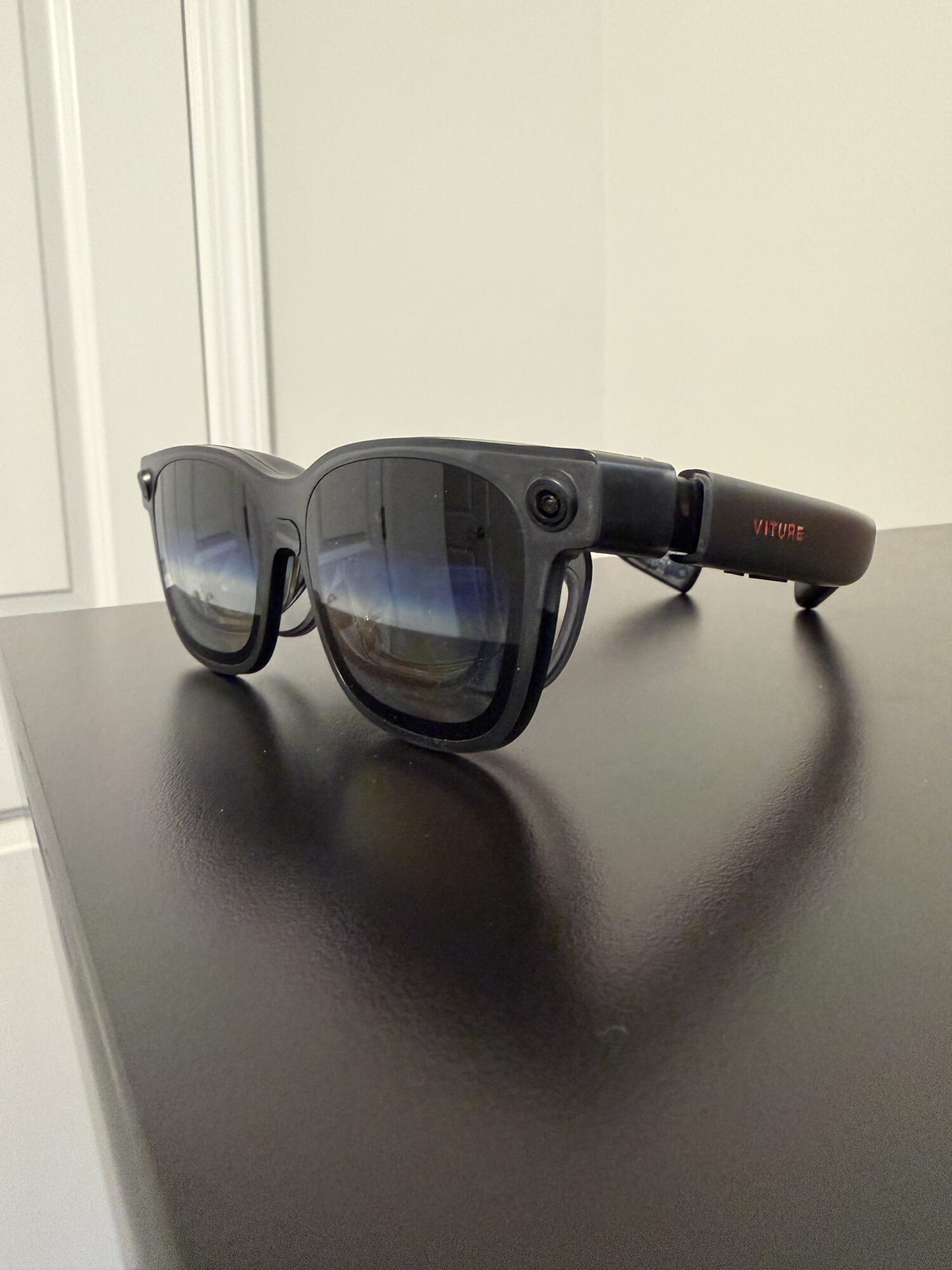
Viture Luma Ultra XR/AR Glasses
I believe the Viture Luma Ultra glasses fall into the latter — that new product ‘category’ designation. Products like the Steam Deck, ROG Ally, while introducing their own features, fall into the existing category that the Switch occupies: portable consoles/PCs and hybrid console/portable devices. All of these devices are succeeding in their various markets as more and more players want to be able to play whenever and wherever they want. Enter the Viture Luma Ultra glasses, a pair of really unique glasses that provide the wearer with a large, 152-inch ‘screen’ in their field of vision that can offer up to 1500 nits of brightness. These aren’t light VR ‘goggles’ but more of a screen you can wear. If you think of a PC in simplistic terms as a computer plus a monitor, these glasses would be the monitor part of that equation. They really just provide an alternative for the video output of whatever handheld computing device you plug into it. It’s not quite as simple as just plugging the glasses into a USB-C port on the Switch 2 though.
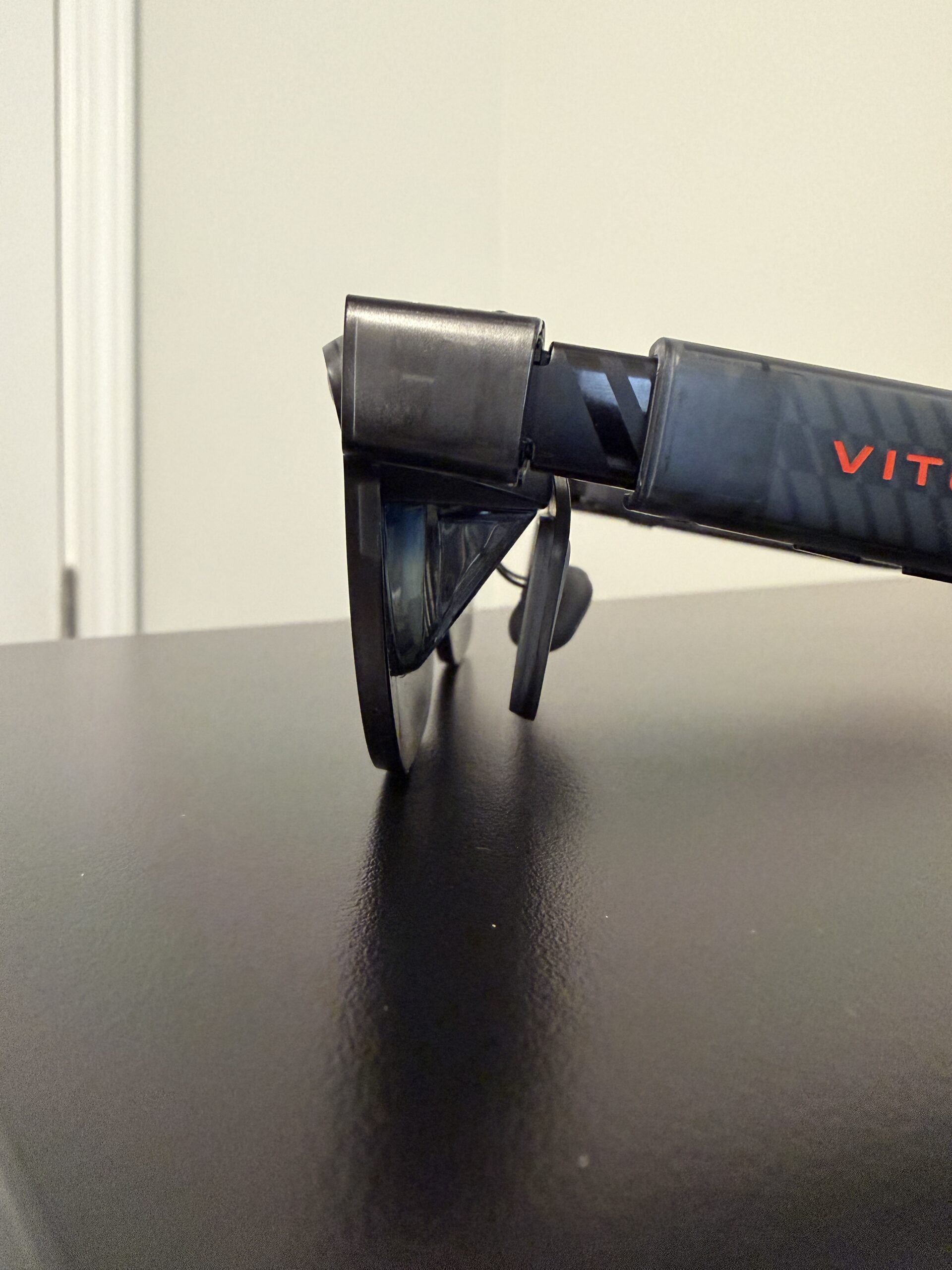
Viture Luma Ultra XR/AR Glasses From the side
This is where the Viture Pro Mobile Dock comes into play for the Switch and Switch 2 specifically. Since Nintendo designed the Switch and Switch 2 to have both a ‘handheld’ and a ‘docked’ mode, Viture needed to simulate that same paradigm. So think of the Mobile Dock like a more portable version of the dock that comes with the Switch or Switch 2. It takes care of the video output but also tells the software running on the Switch/Switch 2 to run in ‘docked’ mode. This means that games will be running as if they were connected to a TV via an HDMI cable and not just a 152-inch version of the ‘handheld’ mode gameplay, if that makes sense. I only tried this with the Switch 2 as I sold my Switch OLED before upgrading but if this works with the Switch 2, you know it’ll work nicely with the original Switch family of systems.

Viture Luma Ultra XR/AR Glasses Another Angle, also with the prescription lenses attached
Let’s dive into how to set things up. When you open up the Viture Luma Ultra box, you’ll have a really nice glasses case along with some accessories such as various nose guards to fit your comfort preference. There are 4 different sizes included which is great. Once you have a comfortable fit for the glasses, you simply use the magnetically attached cable that’s included to connect to the back of the right stem, behind your right ear. This cable then runs to one of the USB-C style ports on the Mobile Dock. There are two ports for the glasses which means you can play with up to 2 Ultra Luma glasses if you and a friend both have them. Then there is a third USB-C port that connects to the Switch 2’s bottom USB-C port, the port that would be typically used when placed in the dock. There is also an HDMI port on the Mobile Dock but I’d imagine this would be used for other devices/consoles. For the Switch/Switch 2, you just need to connect with the USB-C port.
Also, for those of you like me that have prescription glasses, they have prescription lenses you can get that are tailored to you. It’s very slick and a must have if you have a strong prescription like myself.
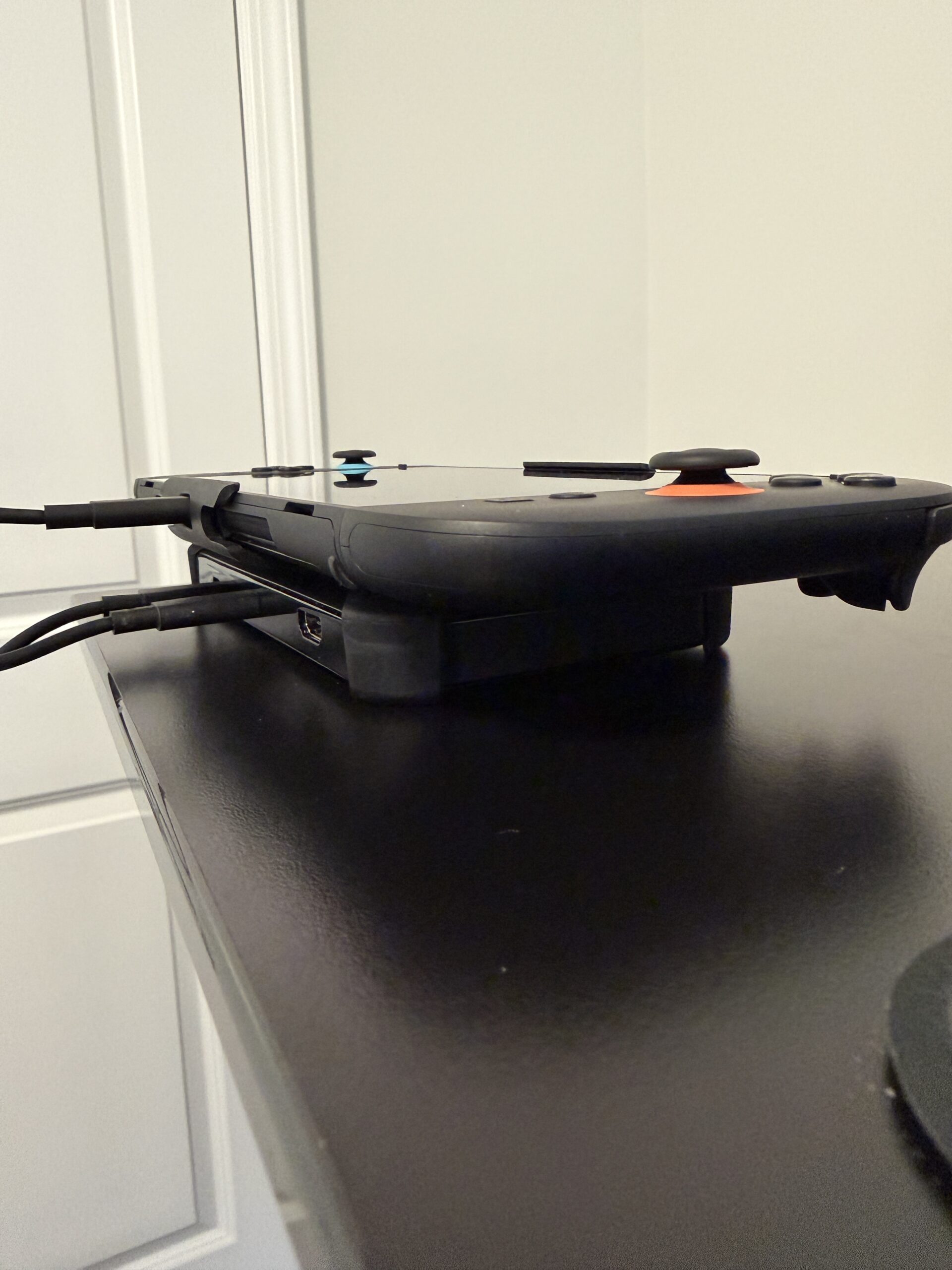
Viture Luma Ultra XR/AR Glasses Connected to the Nintendo Switch 2
After connecting everything up, simply detach the Joy-Con 2 controllers from the Switch 2 and press the Home button to start up the system. You should see the video output in the glasses now. The performance in most of the games I tested was excellent with the exception of Metroid Prime 4: Beyond. I’m going to chalk this up to maybe a firmware update that might be needed since MP4 is such a new game. MP4 also supports some very high benchmarks of 4K resolution at 60 frames per second (fps) and 1080p at 120fps. I’ve let the Viture team know and they are aware and looking into it. I’m thinking it has to do with the fact that Metroid Prime 4 is unique amongst Switch 2 games as it allows the player to toggle the output resolution and frame rate in the pause menu rather than at the system level. But that’s just a guess, we’ll know more once the Viture team takes a look. This does mean that as new games release for the Switch 2, they might need some firmware updates for the Mobile Dock to support those specifically. Hopefully that’s something Viture can work with Nintendo on ahead of releases in the future.

Viture Luma Ultra XR/AR Glasses Connected to the Nintendo Switch 2 with the Mobile Dock Mount
Other than that issue, the glasses performed beautifully. The performance and frame rate was impeccable. The brightness was crisp and I could really see myself wearing these for long play sessions and it would make it so my neck or arms don’t get fatigued since I could just have that ‘screen’ at eye level wherever I am. For those that really want to have an amazingly ergonomic solution while playing games, this might be the best thing out there. It’s definitely more comfortable than any VR headset I’ve tried to wear for long periods of time and it’s certainly more comfortable than duct-taping a 152-inch TV to your face ;)
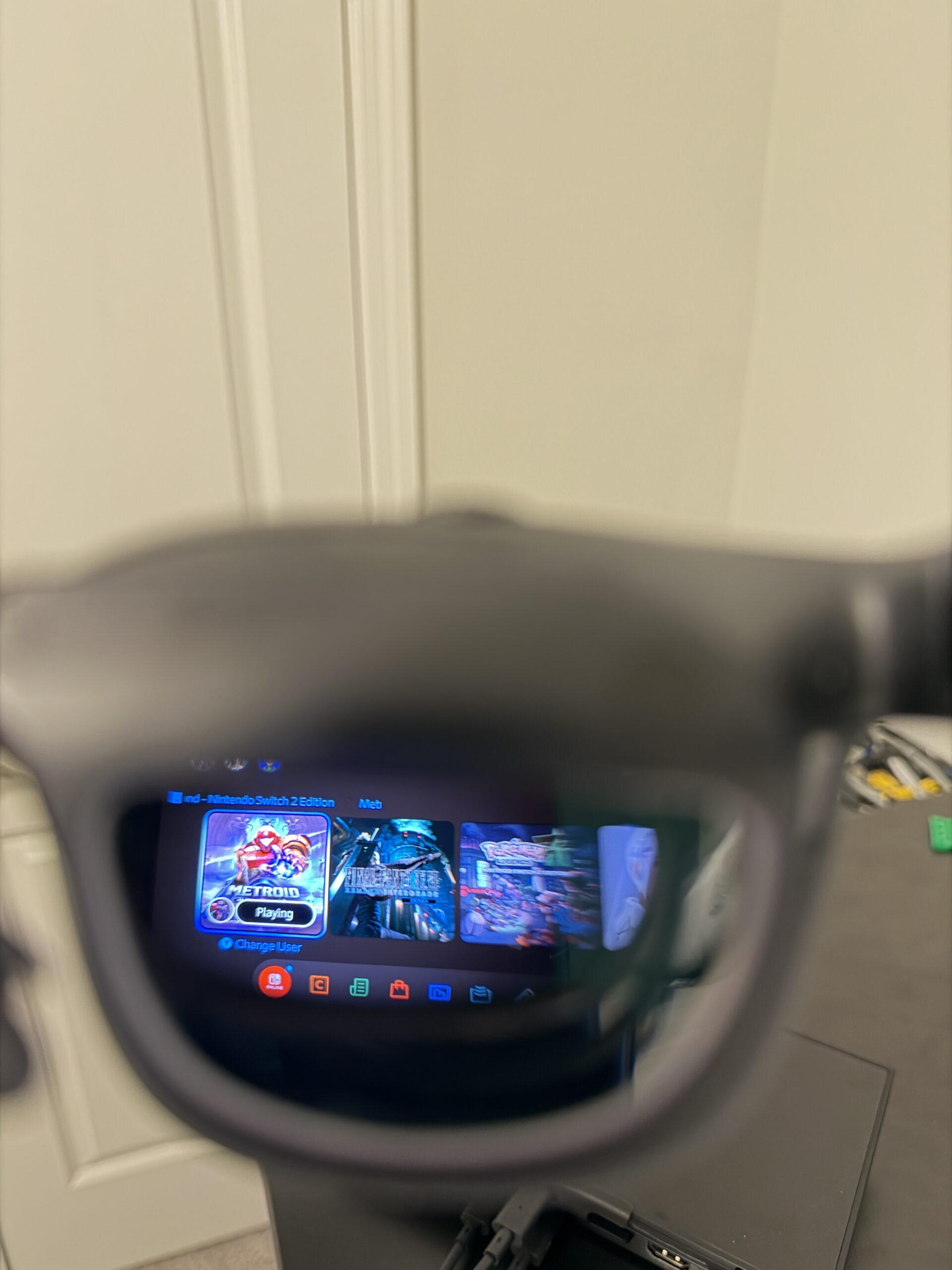
Viture Luma Ultra XR/AR Glasses Connected to the Nintendo Switch 2 – A glimpse at what you see through the lens. It looks much better when you’re wearing them!
Ok Justin, let’s get down to the details, how much do these cost? Well, for the glasses and the dock, which you’ll need both for playing Switch/Switch 2 games, it’s around $600. That is pretty hefty as that’s more than the cost of a brand new Switch 2 console. However, when you think of how small these glasses are and what they’re capable of providing on the go, it really can be transformative. For someone like me that’s looking for a way to better play games without craning my neck down, this has been an excellent solution. The Viture Luma Glasses + Mobile Dock won’t be for everyone’s budget but I know that everyone would enjoy using them. It really is a glimpse of the future.
The Author