

Update: I had initially assumed that there weren’t any options for prescription lenses for the VITURE Pro 2 XR Glasses. That is not the case. VITURE sent me some prescription frames and it makes a world of difference! My prescription is quite unique with my astigmatism. Now, with the prescription lenses, all is resolved. Thank you VITURE for helping out with that! I’ve update my article below to better reflect this.
Note: Be sure to also check out our reviews of the VITURE Luma Ultra XR/AR Glasses and the VITURE Beast XR Glasses.
VITURE is celebrating their 5th anniversary this year with some new products. We’ve been able to go hands-on with one of those products, the VITURE Pro 2 XR Glasses, over the last couple weeks. The main focus with the Pro 2 is on comfort but I will say there is a major new benefit as well and that’s the price point. The VITURE Pro 2 XR Glasses launch for $299 – a whole $100 cheaper than their Luma XR Glasses and a whopping $300 cheaper than the Luma Ultra XR/AR Glasses we reviewed last year! There are other products they offer from the $399 range up to the $599 price point but the Pro 2 coming in at $299 is certainly something people will notice quickly. Especially in the current climate of most video game consoles enduring price increases, XR Glasses launching at cheaper price points is certainly notable.
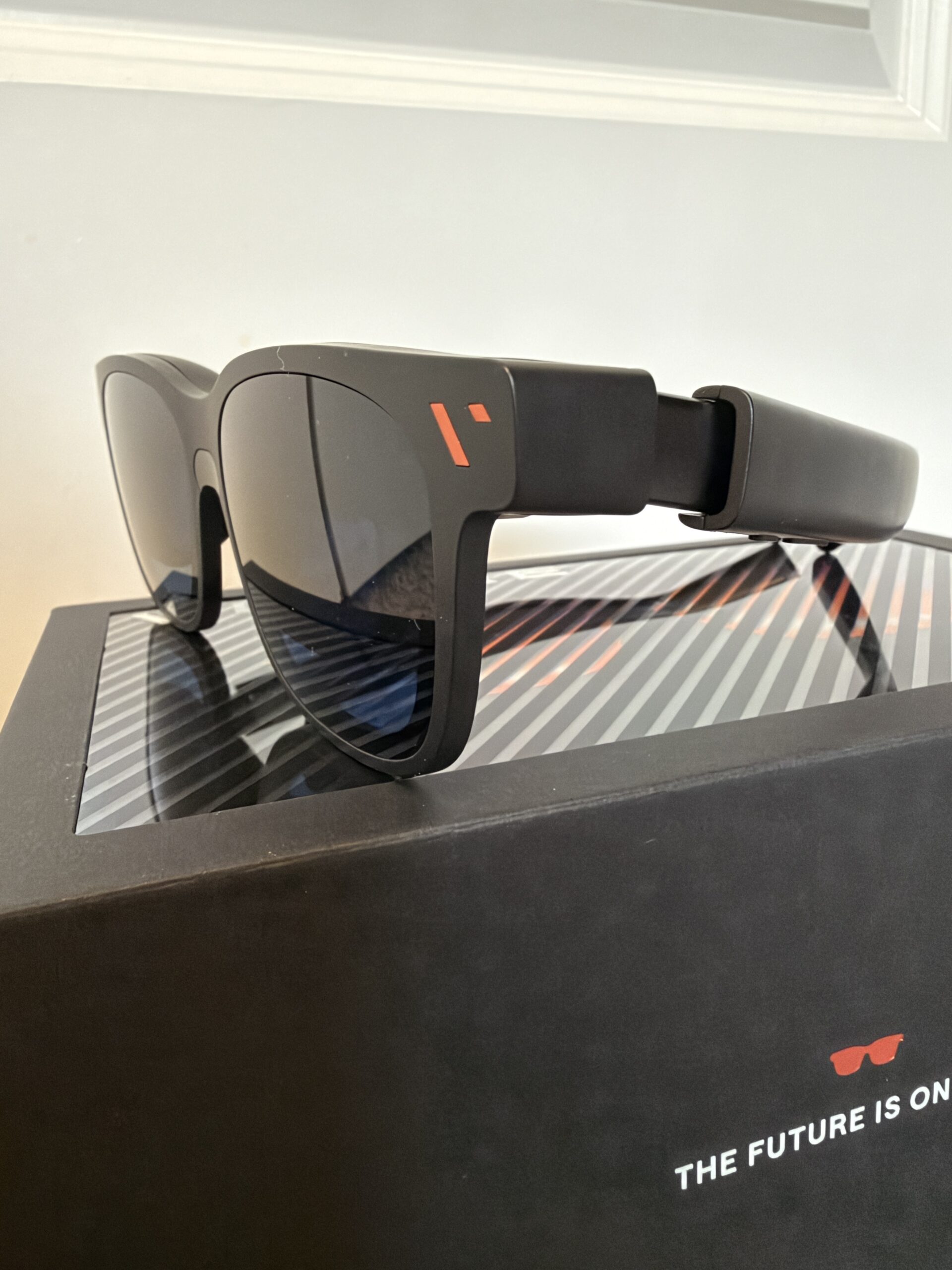
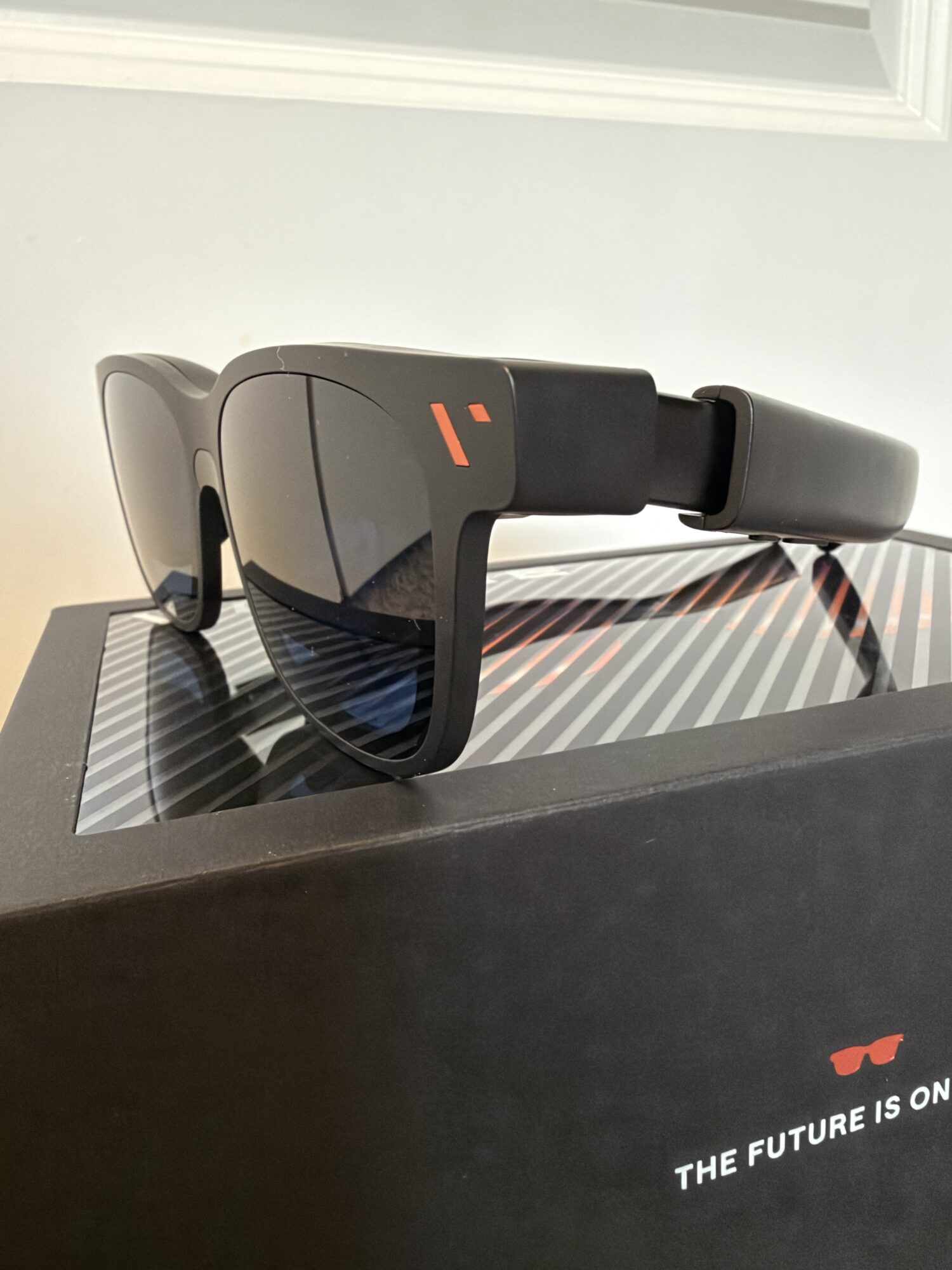
VITURE Pro 2 XR Glasses
While the Pro 2 doesn’t focus on raw specs (even though it features some higher specs than other higher-end VITURE glasses), a focus on comfort is very much a welcome one as it’s probably the #1 request people have after using any VR headset or XR glasses. We all want amazing specs but also don’t want to wear something that will cause too much discomfort for more than 30 minute play sessions. That’s where the Pro 2 aims to accommodate. It weighs in at just 63 grams, 20% lighter than the VITURE Pro glasses and 16% thinner. They also improved how the sharpness and color works in the Pro 2 to be easier on your eyes. They are now SGS A+ eye care certified which focuses on things like low blue light, flicker-free operation and low visual fatigue.
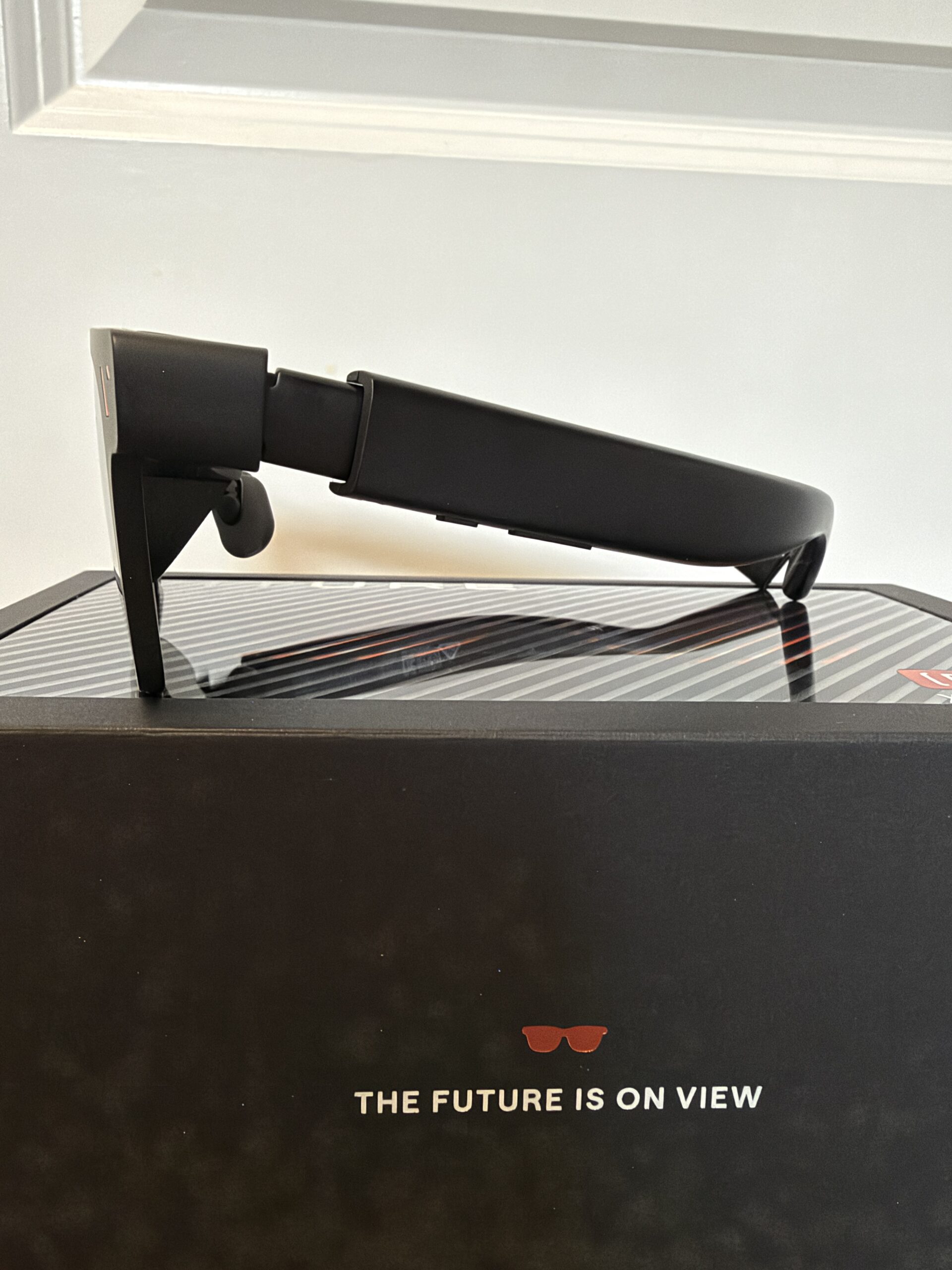
VITURE Pro 2 XR Glasses – Side View
Their third focus on comfort is with the included diopters from their Luma series of glasses that allow for individual adjustments per eye from 0 to -5.00D. That range is greater than their Luma Ultra glasses which are 0 to -4.00D although their base Luma has 0 to -6.00D. VITURE said this should accommodate ‘most nearsighted users’ but unfortunately for me, my prescription is quite strong. I also have astigmatism which means my eyes are more oval shaped than circular. This can mean that simple diopter adjustments can’t fully accommodate my prescription. Now, I was able to adjust the Pro 2’s diopters pretty much all the way to their strongest settings for both eyes but it still caused some discomfort while playing. My eyes watered early on in the play sessions as it was difficult for them to adjust. This is pretty common when I get new glasses as my eyes need time to get used to the prescription, especially if it’s a stronger one. UDPATE: I hadn’t been sent prescription frames initially but they sent me some that fit the Pro 2 and they have been working great! This resolved the issues with my eyes watering since now my prescription is matched perfectly with the prescription inserts.
If you do have a fairly strong prescription and astigmatism, fret not, just make sure to include a prescription lens purchase alongside your order of the Pro 2. The fact that they were able to develop some very impressive glasses at a price point of $299 that should accommodate a majority of people’s eyes with the diopters while also offering prescription inserts, is of note. I’d rather have more options at more price points and the Pro 2 glasses will definitely fit the bill nicely for most people that are interested in taking the plunge into XR glasses. A spec that did get a nice bump up from even the Luma Ultra is brightness. The Pro 2 features 1600 nits of brightness compared to the 1500 nits in the Luma Ultra. It is quite bright and while you probably wouldn’t want that level of brightness when playing in a dark room, if you’re playing in a well-lit area, that extra brightness is a nice improvement.
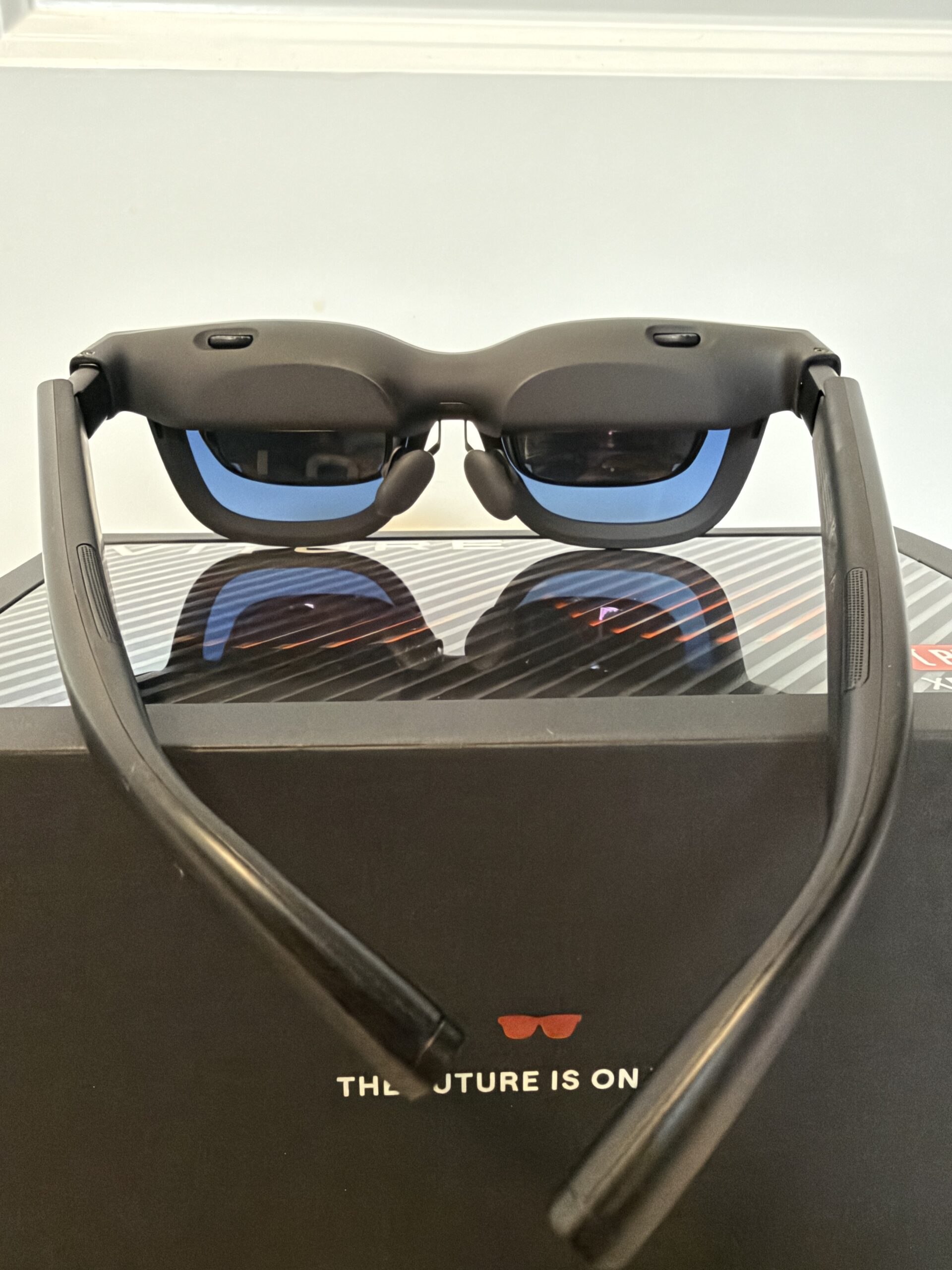
VITURE Pro 2 XR Glasses – Lens view
Moving on to the feel of the frames themselves – there are 3 levels of ‘temple adjustments’, which is where the stems connect to the front frame. The nose pads have adjustable positions as well as having 3 sizes of nose pads included. I did miss some of the other buttons that the Luma Ultra and Beast glasses have on the right stem that allow for adjusting the ‘distance’ of the screen away from your eyes and other settings. That was nice for Switch 2 gameplay when the full resolution and aspect ratio go very close to the edge of what you see on the screen in the frames and can cause some blurring at the edges. I’d almost like to adjust that ‘distance’ to make the screen a little further away so it doesn’t have that edge blurring effect. But with some tweaking of the nose pads, I was able to improve that a little bit.
The Pro 2, combined with the prescription inserts, worked beautifully for me. If you’re looking for an entry point into XR glasses experience, this may be the best place to start. The resolution and sharpness are very nice and there are a number of customization options for fit/comfort. All in all, paired with the Mobile Dock or their upcoming Mobile Dock Mini, this is a great way to play the Switch 1 or 2 on the go and feel like you have a big TV along for the ride.